THE LINKCRAFT SYSTEMS SERVICE COLLECTION
Every connection.
Every room.
One considered plan.
From an extra network outlet to whole-property Wi-Fi, distributed business audio and a dedicated home cinema. Explore our complete networking, cabling and AV service range.

FIND YOUR SOLUTION
Explore the complete service range.
WI-FI & INTERNET
Internet that reaches
the way you live and work.
WI-FI & INTERNET
Wi-Fi Installation
Access point placement, coverage improvements and coordinated wireless setup for homes and businesses.
WI-FI & INTERNET
Whole-Home Mesh Wi-Fi
A coordinated mesh system for multi-room coverage, everyday roaming and a simpler home network.
WI-FI & INTERNET
Wi-Fi Range Extenders
Targeted range-extender setup when a limited coverage improvement is a better fit than replacing the entire network.
WI-FI & INTERNET
Outdoor & Patio Wi-Fi
Extend coverage to agreed outdoor areas with equipment and mounting suitable for the environment.
WI-FI & INTERNET
Ubiquiti UniFi Setup
Plan UniFi gateways, switches and access points as a coordinated network for your home or business.
WI-FI & INTERNET
TP-Link Deco & Omada Setup
Home mesh, router and business access point installation with the appropriate TP-Link product family.
WI-FI & INTERNET
Network Troubleshooting
Find the weak link between your internet handoff, network equipment, cabling, Wi-Fi and end devices.
NETWORK INFRASTRUCTURE
A network built
around your devices.
NETWORK INFRASTRUCTURE
Home & Business Network Setup
Bring routers, switches, access points and wired devices into an organized network plan.
NETWORK INFRASTRUCTURE
Routers, Switches & PoE
The right connection and power plan for network switches, routers and PoE-powered devices.
NETWORK INFRASTRUCTURE
Guest & Business Wi-Fi Networks
Plan separate wireless access for visitors, staff and connected equipment where supported by the chosen network.
NETWORK INFRASTRUCTURE
Home Office & Gaming Connections
Dedicated connections for desks, video meetings, gaming consoles and high-use entertainment devices.
NETWORK INFRASTRUCTURE
Building-to-Building Network Links
Discuss a connection between an office, detached workspace or other buildings on the same property.
STRUCTURED CABLING
The work behind
every reliable connection.
STRUCTURED CABLING
Network Cabling & Ethernet Drops
A complete wired foundation: cable routes, network outlets, patch panels and equipment connections.
STRUCTURED CABLING
Cat6 Installation
Practical Ethernet cabling for home offices, workstations, access points and connected entertainment.
STRUCTURED CABLING
Cat6A Installation
Plan a Category 6A link when the project calls for a 10GBASE-T-capable copper cabling system.
STRUCTURED CABLING
Cat6 vs Cat6A vs Cat7
Understand the cable categories before choosing the wiring for your DFW home or business.
STRUCTURED CABLING
Cable Pulling & Concealed Wiring
Bring network, speaker and AV cable to the places where it is needed with a considered routing plan.
STRUCTURED CABLING
Ethernet Outlets & Patch Panels
Finish the network with organized wall connections and clearly identified patching points.
STRUCTURED CABLING
Fiber Network Links
Discuss fiber pathways and connections for equipment rooms, longer links and building interconnection.
STRUCTURED CABLING
New Construction & Renovation Prewire
Plan communications and AV routes while access is available, before the finished room layout closes in.
STRUCTURED CABLING
Network Racks & Cable Management
Organized equipment, patch panels and cable routes that are easier to access and maintain.
HOME AUDIO & CINEMA
From everyday listening
to the big-screen experience.
HOME AUDIO & CINEMA
Audio / Video Installation
Connect screens, speakers, amplifiers and source devices as one coordinated room or whole-property setup.
HOME AUDIO & CINEMA
Whole-Home & Multi-Room Audio
Music in the rooms you use, with zones and controls planned around the way your household listens.
HOME AUDIO & CINEMA
In-Ceiling & In-Wall Speakers
Architectural speakers that place sound within the room while reducing visible equipment.
HOME AUDIO & CINEMA
Stereo Speakers, Soundbars & Subwoofers
Set up bookshelf, floor-standing and powered speakers, soundbars and subwoofers for the room.
HOME AUDIO & CINEMA
Home Theater & Surround Sound
A complete plan for the screen, front speakers, surrounds, bass and everyday control in your media room.
HOME AUDIO & CINEMA
Projectors & Projection Screens
Large-screen planning for movie rooms, living spaces, meeting rooms and presentation areas.
HOME AUDIO & CINEMA
TV Mounting & Hidden AV Cabling
A considered screen position with the connections and equipment access planned at the same time.
HOME AUDIO & CINEMA
Outdoor & Landscape Audio
Sound for patios and agreed outdoor listening areas using equipment suited to the environment.
HOME AUDIO & CINEMA
AV Receiver Setup & System Tuning
Make the installed system easier to use, with inputs, speaker connections and supported setup tools configured together.
BUSINESS AUDIO & AV
Sound, meetings and displays
for your business.
BUSINESS AUDIO & AV
Commercial Sound Systems
Background music and day-to-day business audio for retail, offices, hospitality, gyms and other commercial spaces.
BUSINESS AUDIO & AV
Business Paging & PA Systems
Clear everyday announcements, paging microphones and integrated background music for your business.
BUSINESS AUDIO & AV
70V / 100V Distributed Audio
A coordinated approach to multiple commercial speakers, coverage zones and everyday volume control.
BUSINESS AUDIO & AV
Conference Room AV
Bring displays, cameras, microphones, speakers and network connections together for meetings and presentations.
BUSINESS AUDIO & AV
Digital Signage & Display Installation
Install screens and the network or media connections needed for customer information and business content.
CHOOSE THE RIGHT APPROACH
Extender, mesh or
wired access points?
| Approach | Useful when | What we review |
|---|---|---|
| Range extender | A targeted coverage gap needs attention. | Upstream signal, positioning and router compatibility. |
| Mesh Wi-Fi | Several areas need a coordinated home system. | Node locations, ecosystem and wired or wireless backhaul. |
| Wired access points | Cable routes are available for planned coverage. | Ethernet runs, PoE, switch capacity and AP placement. |
Actual results depend on the property, internet service, backhaul and client devices. We choose the approach around the installation rather than a promised coverage number.
CABLING THAT FITS THE PROJECT
Cat6. Cat6A. Cat7.
Know what you are choosing.
Cat6
A common choice for many home and business Ethernet links. The intended speed, run length and installation conditions guide the decision.
Cat6A
Considered when the project calls for a 10GBASE-T-capable copper link. Cable, connectors, equipment and installation need to work as a system.
Cat7
An ISO/IEC category not recognized by TIA. A retail Cat7 label does not establish the performance of a complete installed channel.
We also review shielding, solid-copper conductors, the cable’s environmental rating, termination components and pathway access. Fiber is considered where it better fits the link.
EQUIPMENT ECOSYSTEMS
The brands. The connections.
The right combination.
Networking
Ubiquiti UniFi · TP-Link Deco & Omada · NETGEAR Orbi · eero · ASUS ZenWiFi · Linksys · Aruba Instant On · MikroTik · Cisco Meraki
Home audio & cinema
Sonos · Sonance · Denon · Marantz · Yamaha · Sony · Onkyo · Pioneer · Polk Audio · Klipsch · KEF · Epson · BenQ · JVC · Optoma
Business AV & cabling
JBL Professional · Bose Professional · AtlasIED · TOA · QSC · Crown · Logitech · Poly · Yealink · Samsung · LG · Belden · Leviton · Panduit · CommScope
Bring your existing equipment list or discuss a new system. Exact model, firmware, interoperability and installation suitability are reviewed for your project. All trademarks belong to their respective owners.
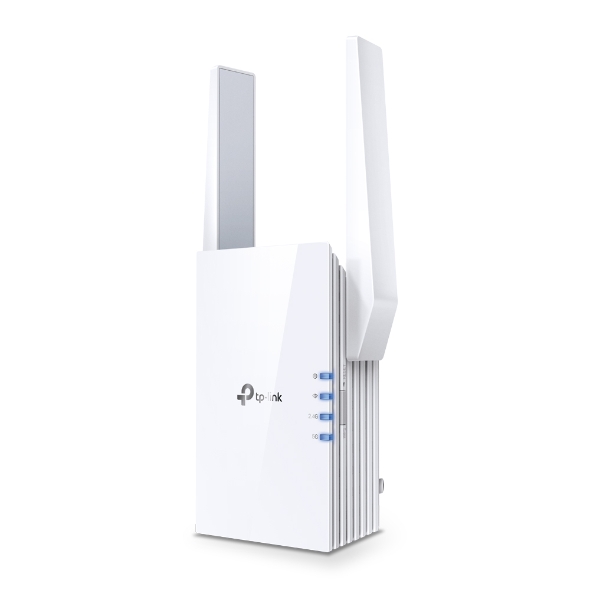
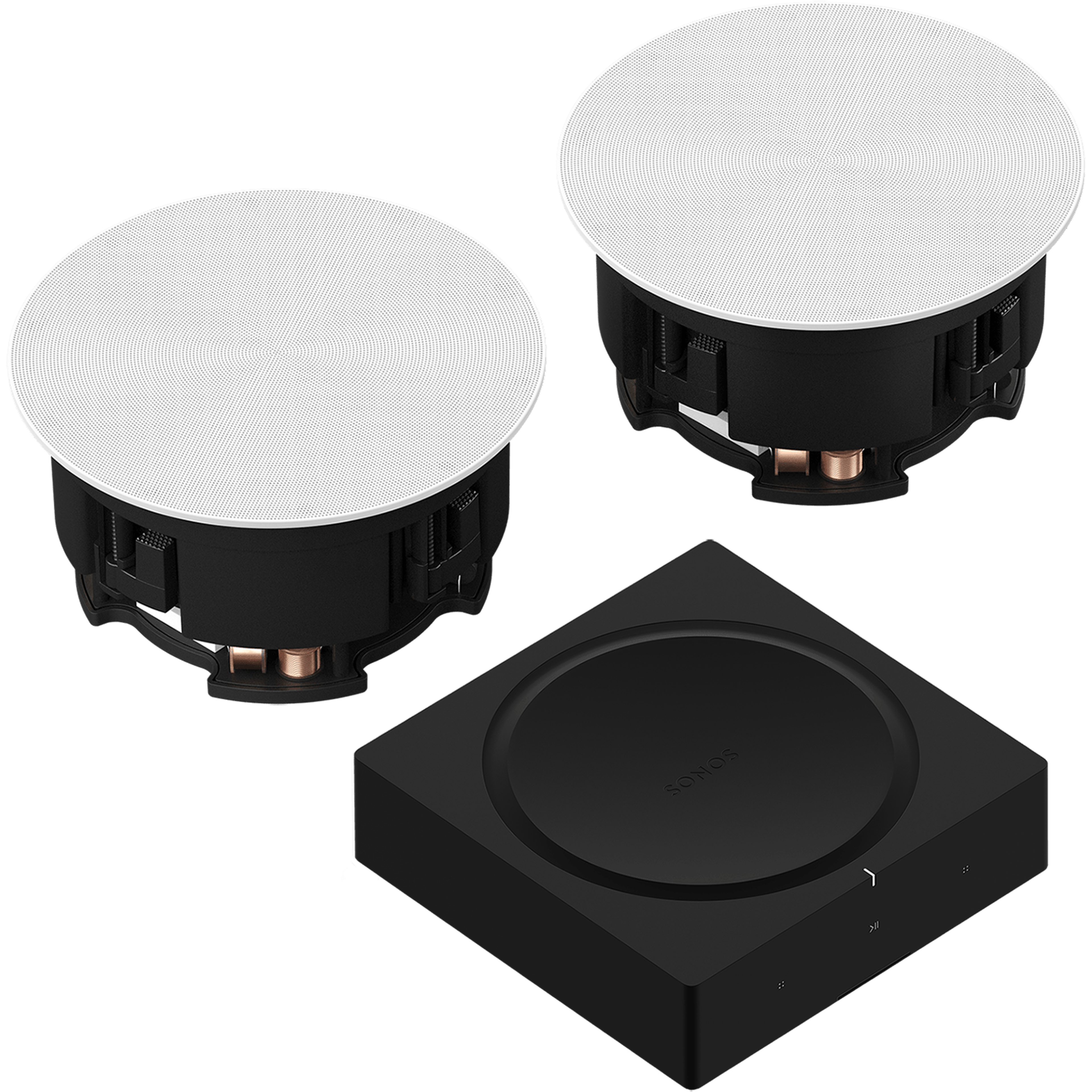
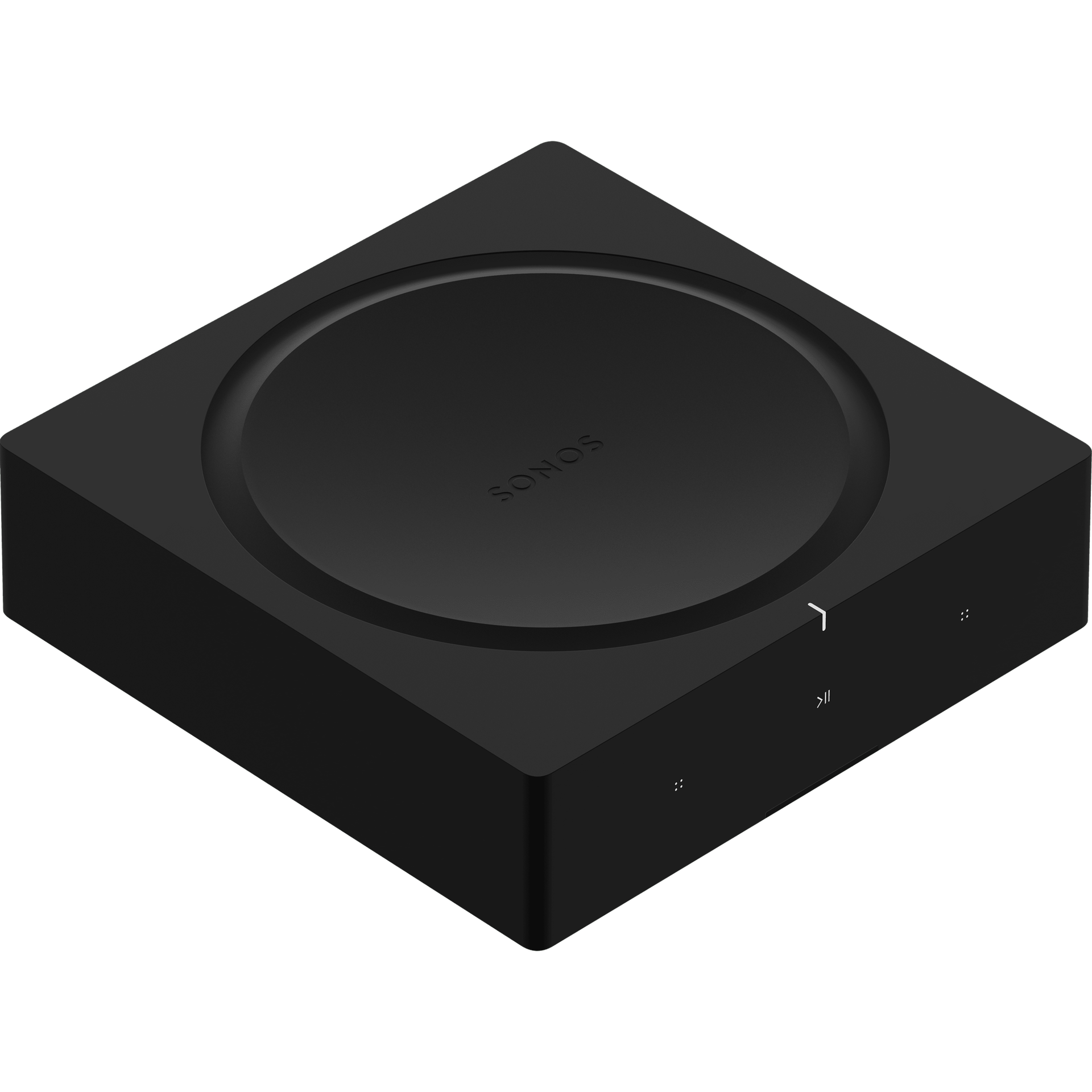
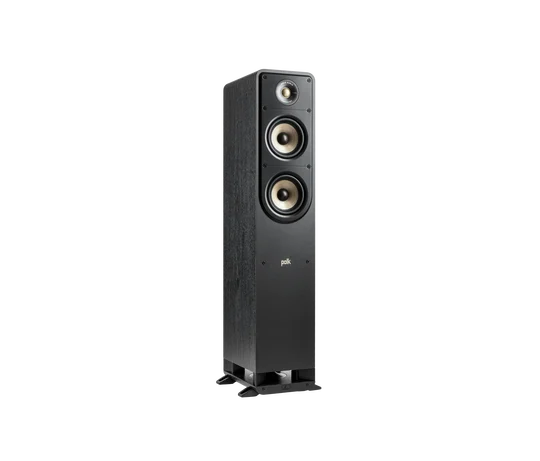
PRODUCT & SYSTEM EXAMPLES
See the equipment
behind the experience.
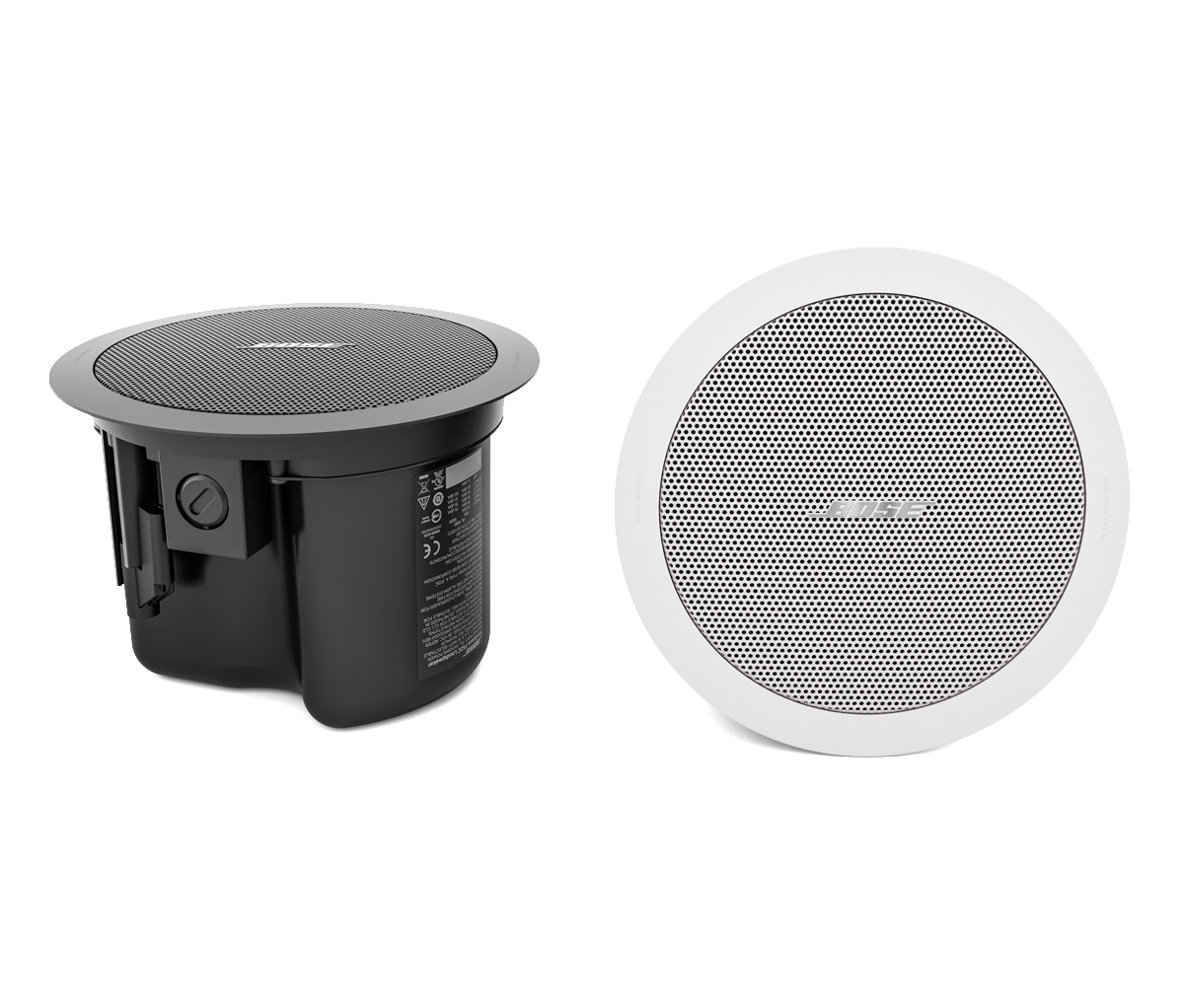
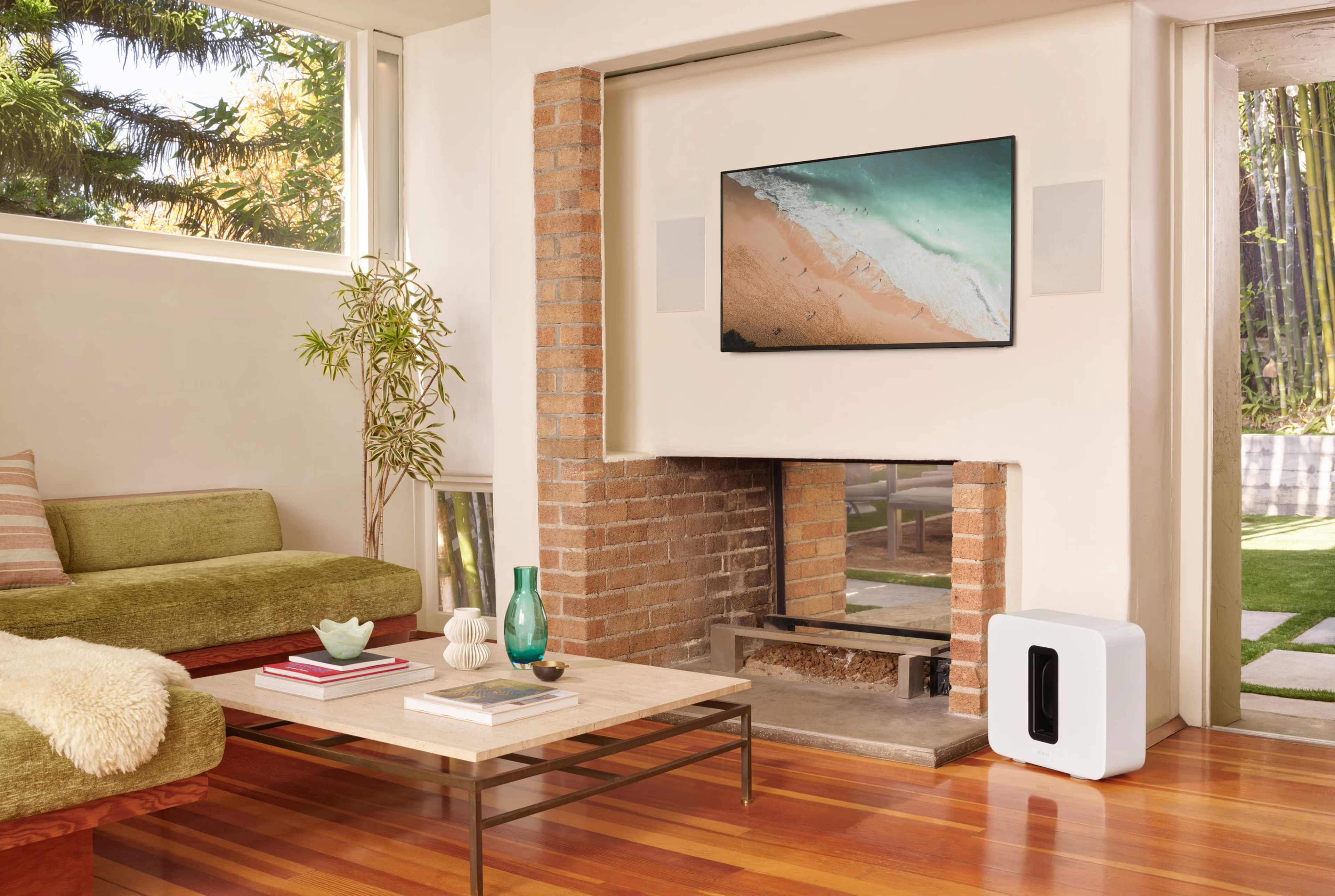
Manufacturer product imagery illustrates the kinds of networking and AV equipment that can be considered for a project.

FROM FIRST IDEA TO FINAL HANDOVER
Tell us the whole project.
A home renovation may need Ethernet, ceiling-speaker cable and projector routes at the same time. A business may need staff Wi-Fi, guest access, music zones and conference room connections. We bring these requirements into one installation conversation.
1. Share the property layout and equipment list.
2. Agree the connection points, routes and installation scope.
3. Install, organize and check the agreed setup.
4. Walk through the controls and connections together.
ONE CONNECTED PLAN
Let’s connect
the whole picture.
Tell us about your DFW property, the rooms or work areas involved and the equipment you already have. We’ll discuss a practical installation scope and the right equipment options.
Better connections. Smarter spaces.
Network cabling, Wi-Fi and audio/video installation for homes and businesses across Dallas–Fort Worth.
© 2026 LinkCraft Systems · Dallas–Fort Worth, Texas